Discover Workflows
Overview
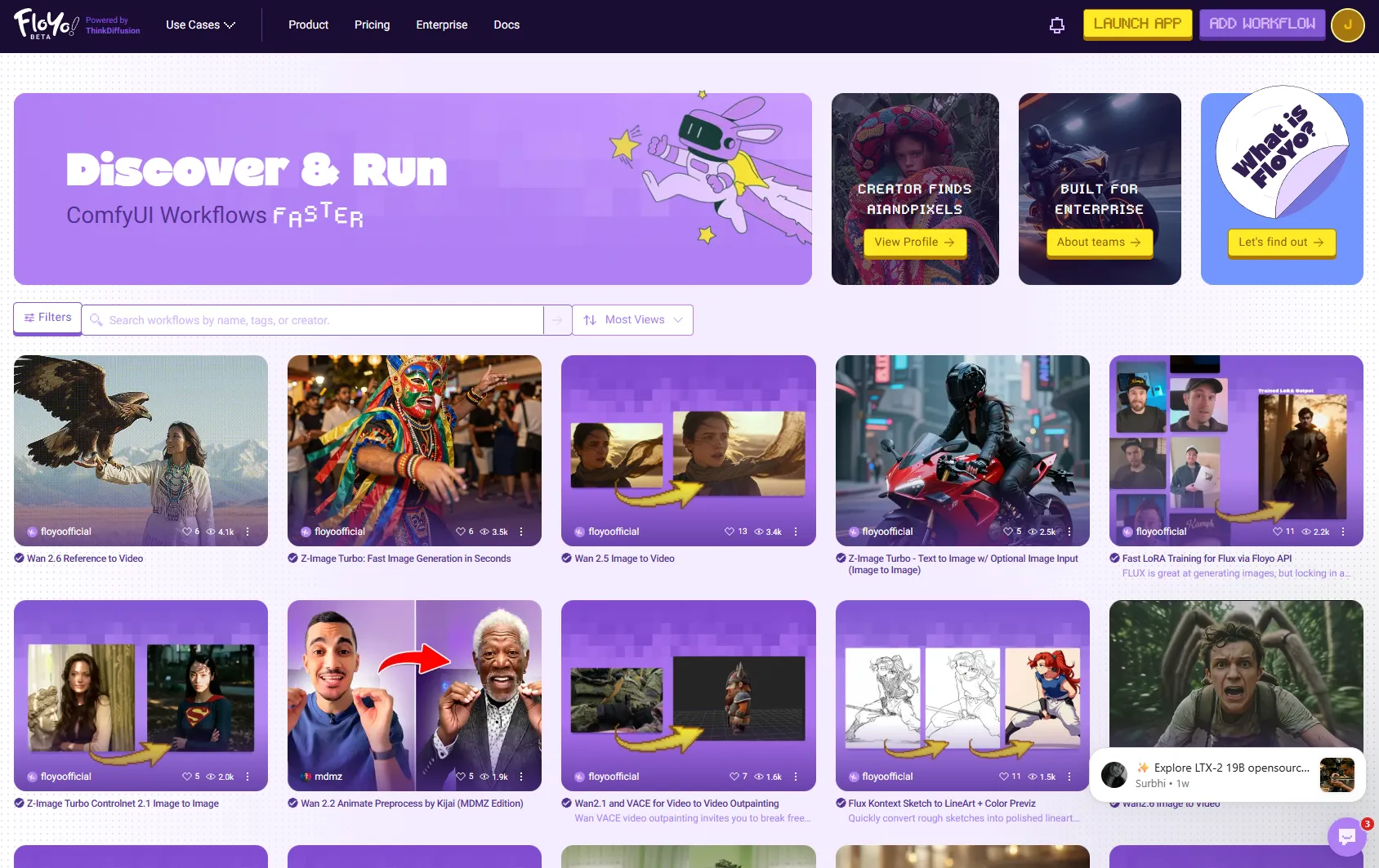
Find and run ComfyUI workflows from all the latest models — from Wan 2.2 to Flux Krea and more. Floyo is building the largest library of production-grade workflows that your team can discover, run, and learn from, all in one place.
Accessing Discover
From the Homepage
- Go to floyo.ai
- Log in to your account
- The Discover page is your default homepage
From the Canvas
- Click the Yo! mascot icon in the left sidebar
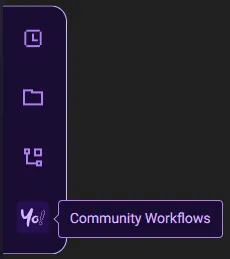
- The Discover panel opens without leaving your current work
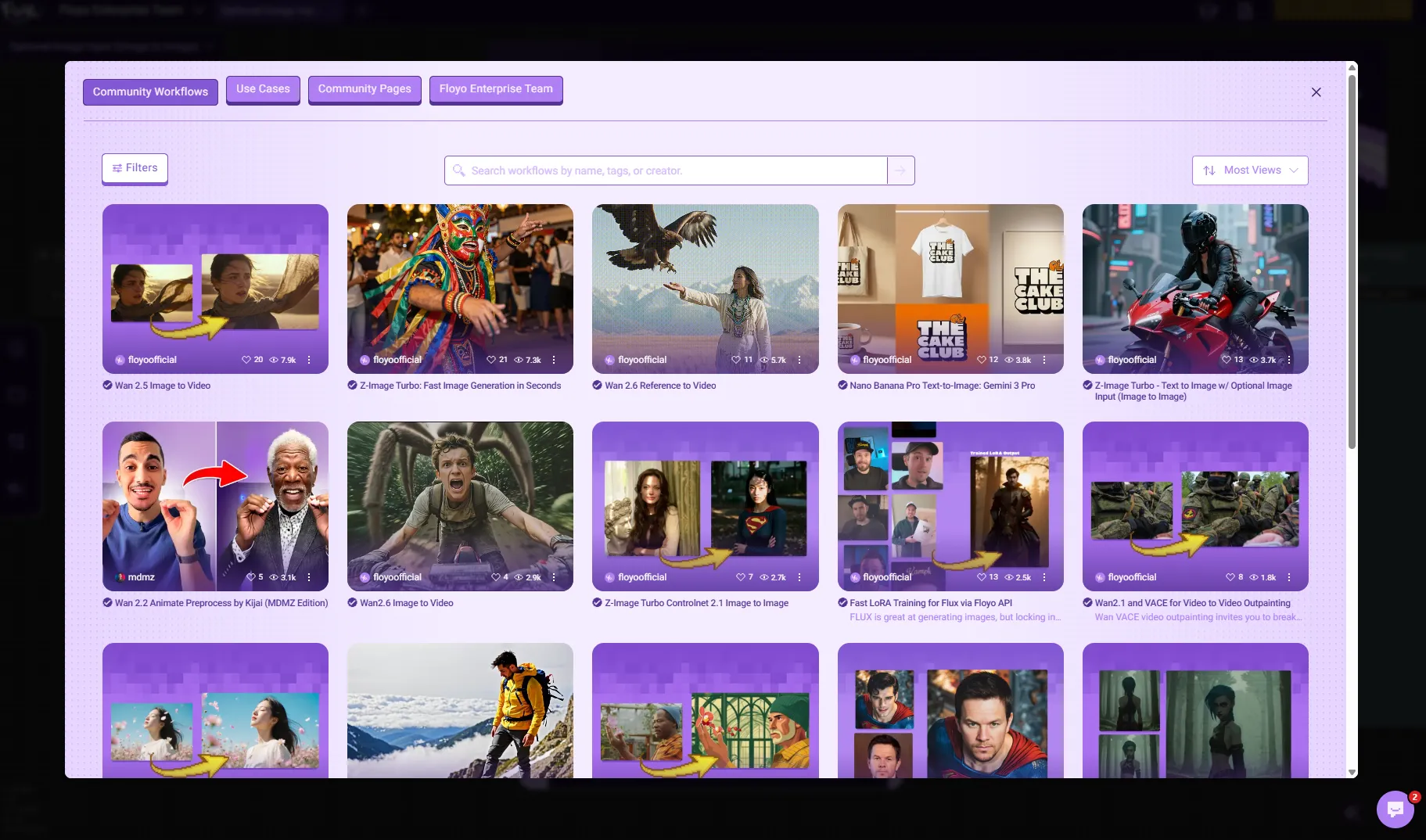
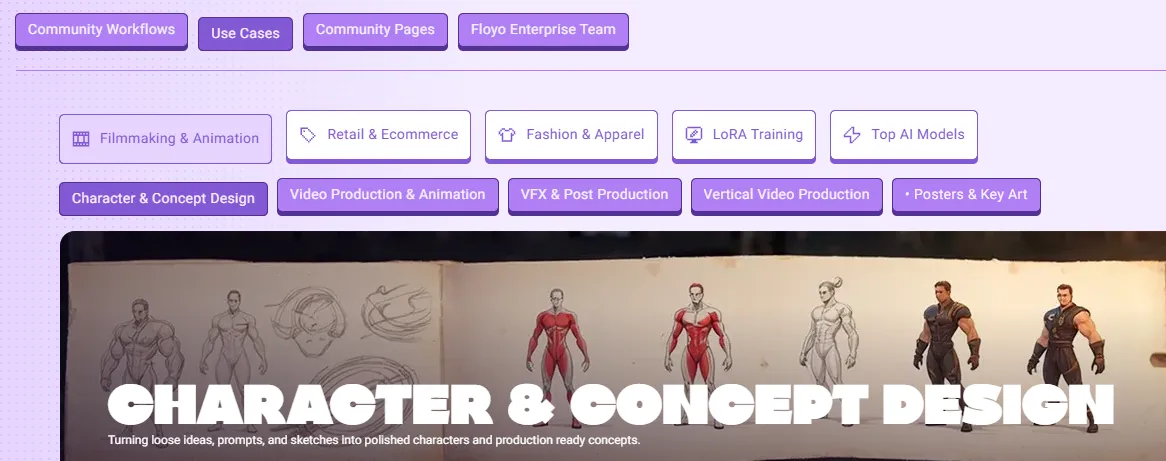
- Navigate through workflows, use cases, community pages and your private team page using the tabs on the top.
- Simply click on any workflow and it will open in your canvas!
Browsing Workflows
Search
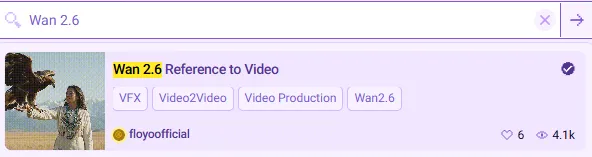
Use the search bar to find workflows by:
- Workflow name
- Creator name
- Tags
- Description keywords
Sorting
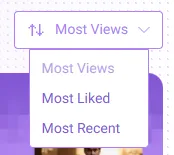
Sort Option | Description |
|---|---|
Most Views | Popular workflows by view count |
Newest | Recently published workflows |
Most Liked | Community favorites |
Workflow Cards

Each workflow appears as a card showing:
Element | Description |
|---|---|
Thumbnail | Preview image of workflow output |
Title | Workflow name |
Creator | Who published it |
Stats | Views, likes, runs |
Tags | Category labels |
Click any card to view workflow details or run it.
Use Case Pages
Browse workflows organized by industry and use case:
Category | Examples |
|---|---|
Film | Character consistency, scene generation |
Gaming | Asset creation, concept art |
Fashion | Clothing design, lookbooks |
Marketing | Ad creative, product shots |
Access Use Case Pages from the Use Cases dropdown in the top navigation.
Running a Discovered Workflow
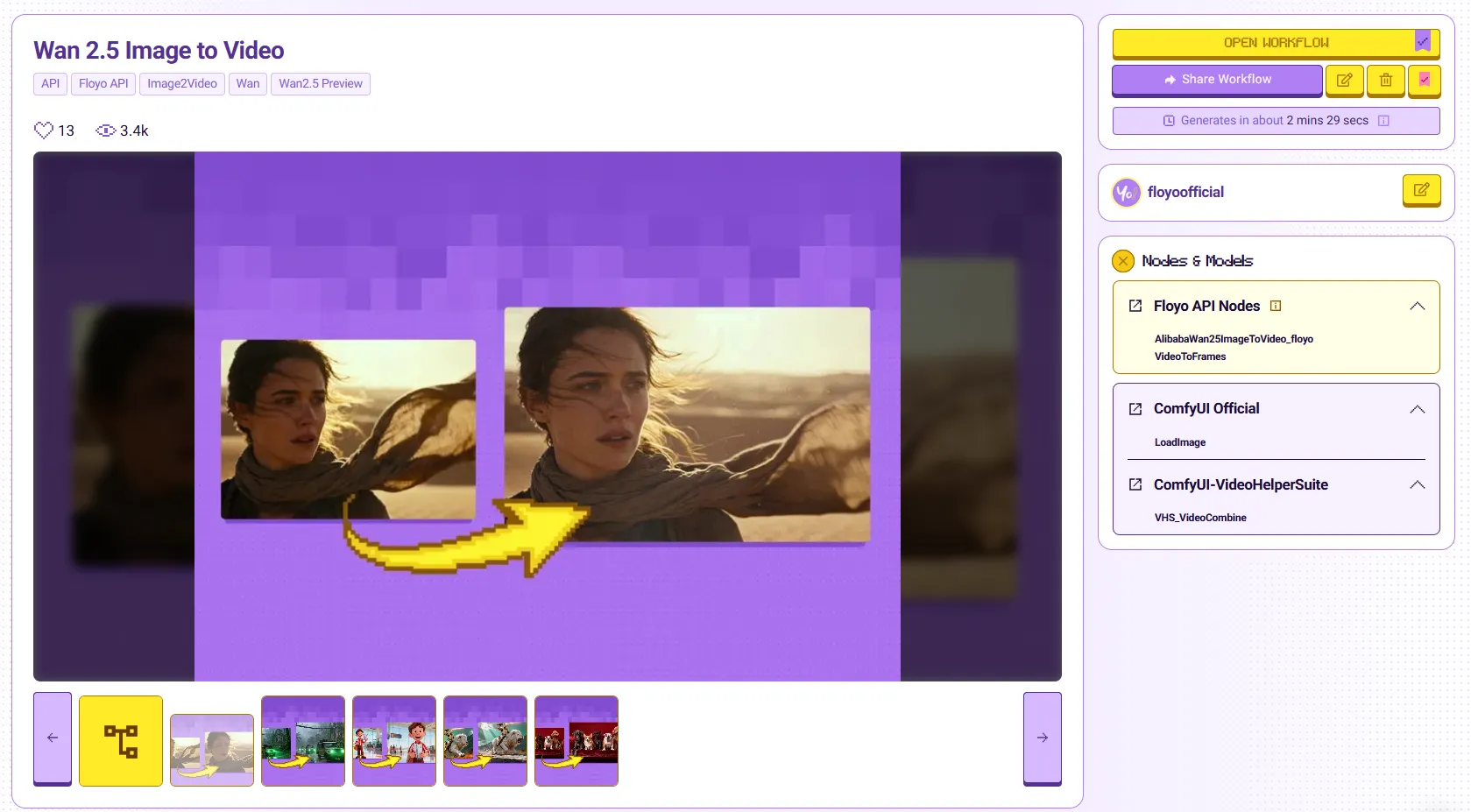
- Click a workflow card to open its details page
- Review the workflow description and sample outputs
- Click Open Workflow to open it in your canvas
- Adjust inputs as needed
- Click the Play button to generate
Tips & Best Practices
- Start with verified workflows: Look for the verified badge for tested, reliable workflows
- Check the inputs: Review what inputs a workflow expects before running
- Save favorites: Like workflows to find them easily later
- Learn from examples: Study popular workflows to understand node combinations