Floyo 101 for Enterprise & Teams
5 video guides to set up your team on Floyo. From your first playbook to billing and access control.
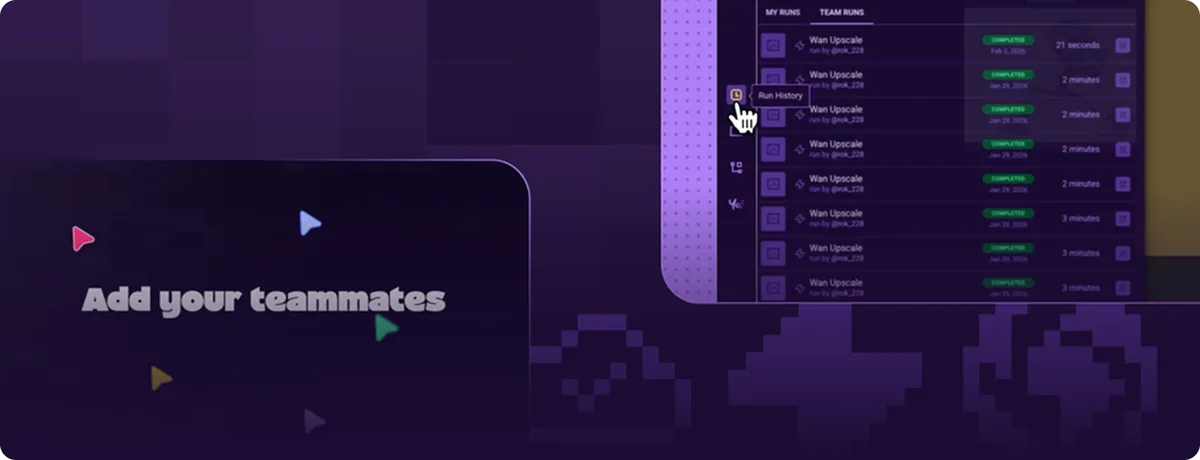
This series walks you through setting up Floyo for a team. Not theory. Actual setup: how to organize workflows, track every generation, upload your own models, manage who has access, and build a shared workspace your team can rely on.
Each lesson is a short video. You can go through all five in under an hour, or take them one at a time.
These guides apply whether you're two people sharing workflows or a 50-person studio running production at scale.
Already have a team? If you've created a team and just need a specific answer, jump to the lesson you need. Each one stands on its own.
Walkthroughs
# | Lesson | What you'll set up |
|---|---|---|
1 | Production PlaybookBuilding a production playbook | Create a team page that centralizes workflows, examples, and documentation in one place |
2 | Run HistoryRun history & reproducibility | Find any past generation, see exactly what settings produced it, and rerun it |
3 | Uploading Custom Models & LoRAsCustom models & LoRAs | Add your own models, LoRAs, and assets so every team member can access them |
4 | Teams, Members & BillingTeams, members & billing | Invite members, assign roles, track GPU usage, and manage your plan |
5 | Team Collaboration & Private HomepagesCollaboration & private pages | Build private workflow pages and share them without publishing publicly |
Who this is for
Teams that use ComfyUI for real work. Agencies producing client deliverables. Studios running image or video pipelines. Product teams integrating AI generation into their stack. Internal teams that need shared workflows instead of JSON files passed around on Slack.
If you're an individual creator, you don't need this section. The 📹 ComfyUI 101ComfyUI 101 course covers everything for solo use.
FAQ
Do I need to complete ComfyUI 101 first?
No. This series covers Floyo's team features, not ComfyUI itself. If your team already knows how to build workflows, start here. If someone on your team is new to ComfyUI, point them to 📹 ComfyUI 101ComfyUI 101 first.
Does every team member need their own account?
Yes. Each person signs up for a Floyo account, then gets invited to the team. Their workflows, generations, and usage are tracked individually under the team.
What's the difference between a team and an enterprise plan?
Teams are the collaboration layer: shared workflows, joint billing, member management. Enterprise adds dedicated infrastructure, priority support, custom onboarding, and a direct relationship with Floyo. Contact [email protected] to learn more.