Create a Team
4 min
Teams are separate workspaces with their own plan, members, balance, and storage — perfect for managing distinct organizations or projects.
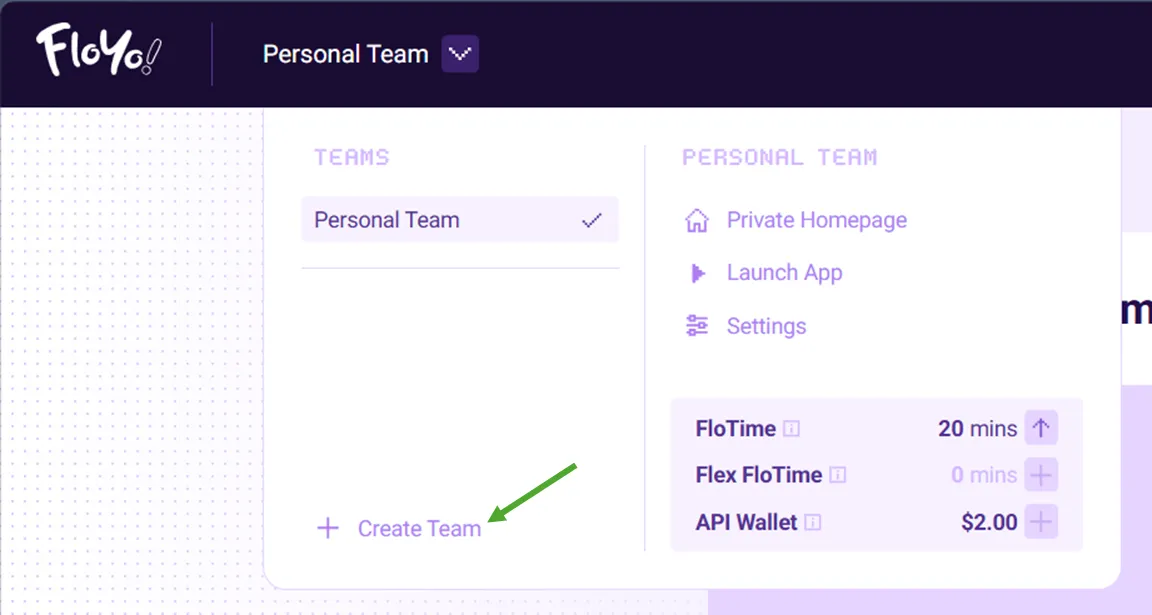
- Click Create Team
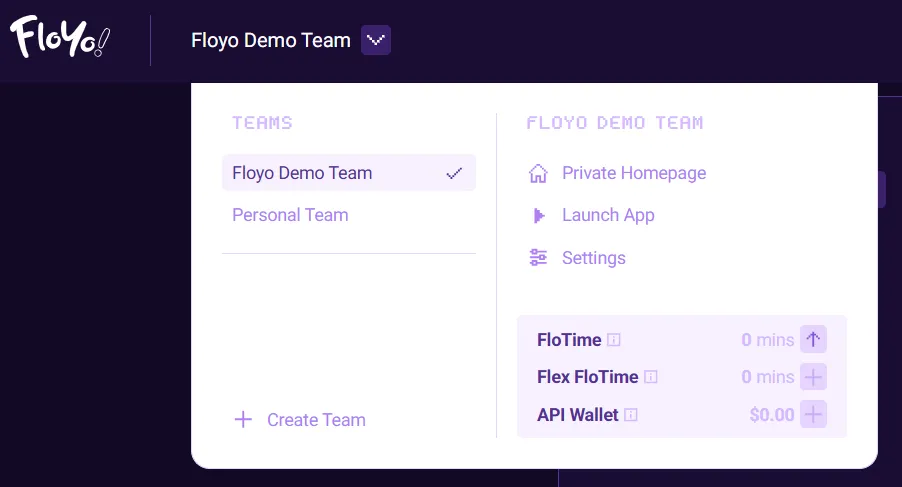
Click Create Team in the Team dropdown menu.
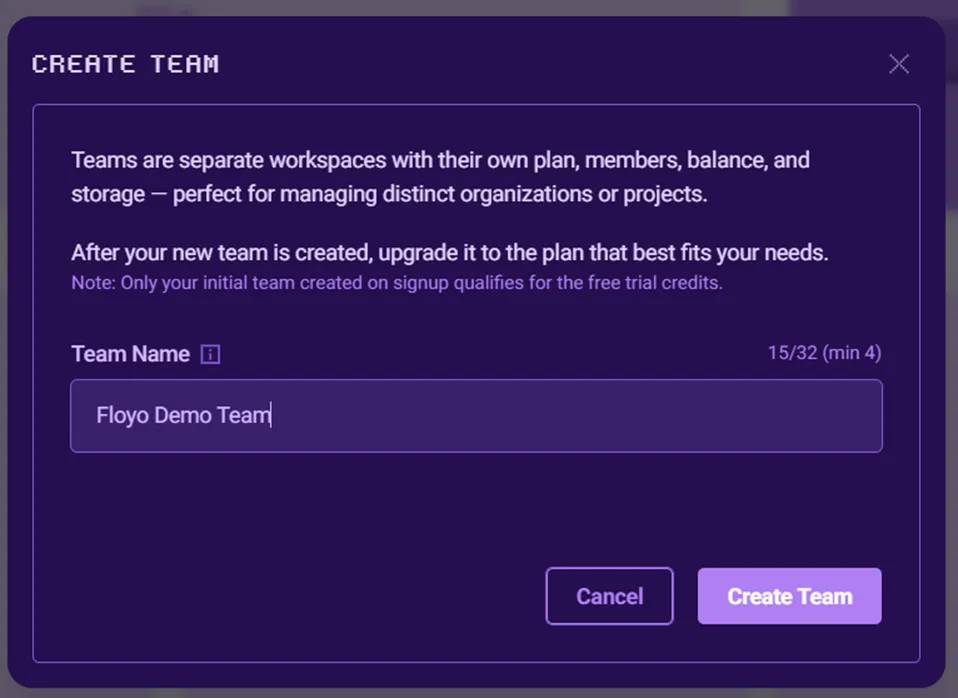
- Name Your Team & Submit
Enter a Name for the new Team and Create Team.
THINGS TO KNOW
- Only your initial team created at signup qualifies for free trial credits — additional teams do not.
- Each team has its own plan, FloTime balance, Api Wallet, and member list — completely separate from your other teams.
- After creating a team, you can switch between teams at any time using the Teams dropdown in the top navigation bar.
- Manage Team and Upgrade
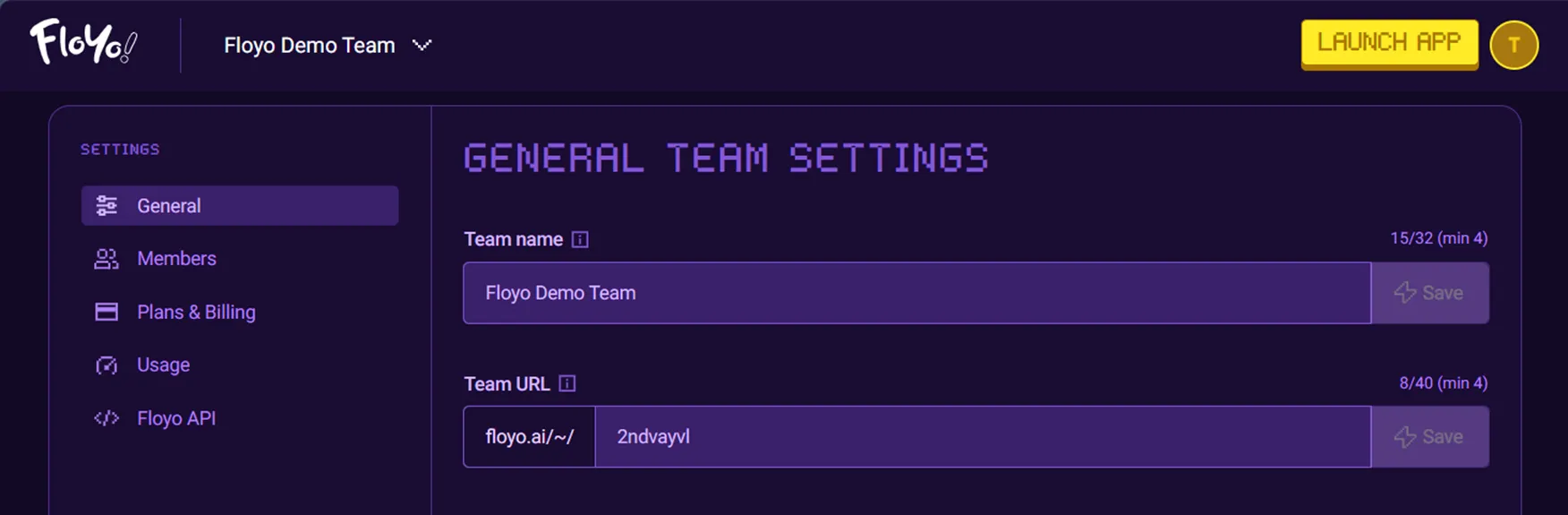
Once created, you'll be redirected to the new Team's Settings where you can set a custom Team URL and upgrade to a plan that fits your needs.