Creator Overview
Overview
Welcome to the Floyo Creator ecosystem! Whether you're a workflow wizard or a curator of community content, Floyo provides a suite of tools to help you build, share, and showcase your work.
This guide serves as a high-level roadmap to the three main pillars of being a Creator on Floyo: managing your identity, authoring automation workflows, and curating community pages.
Your Creator Identity
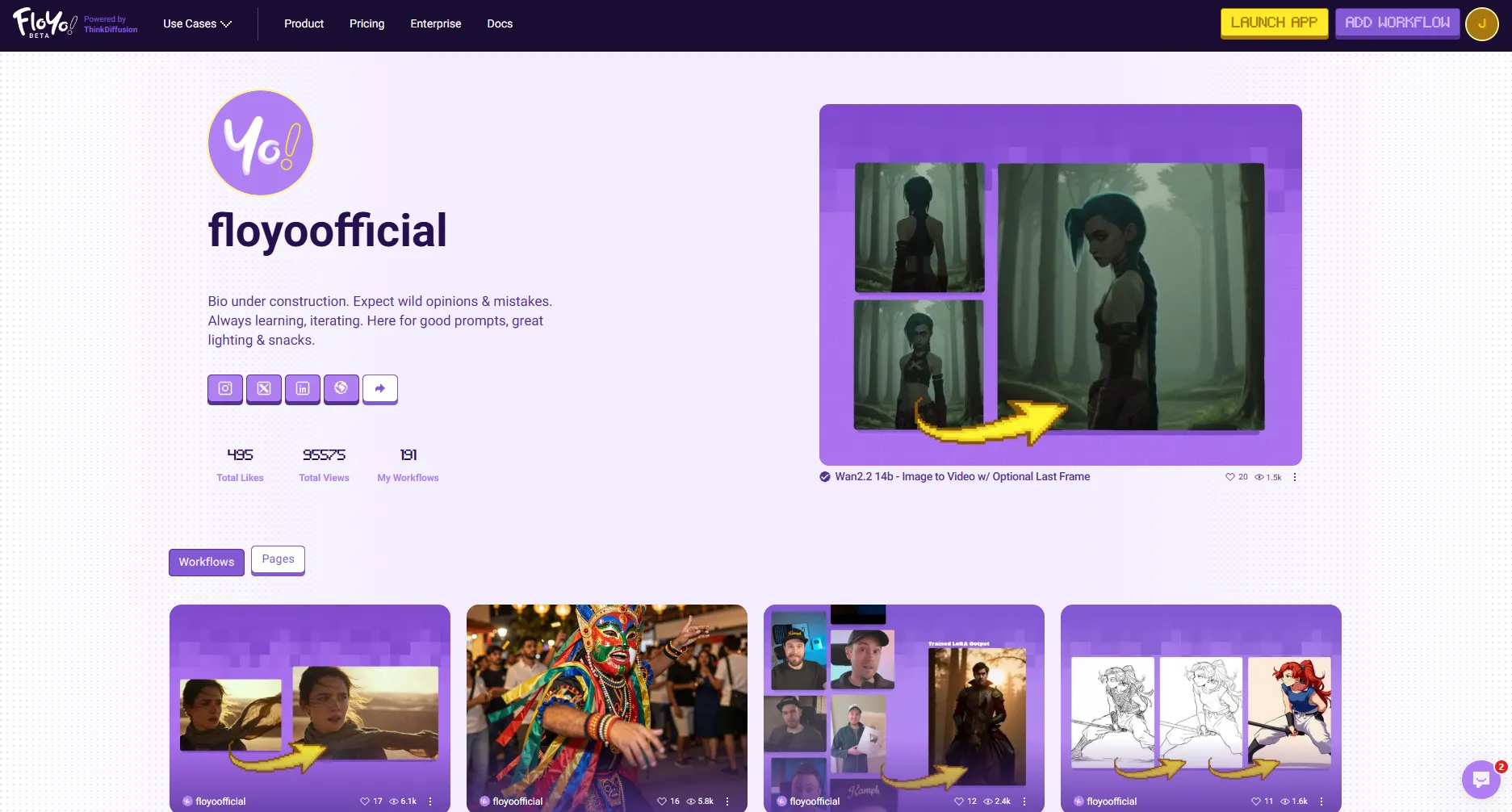
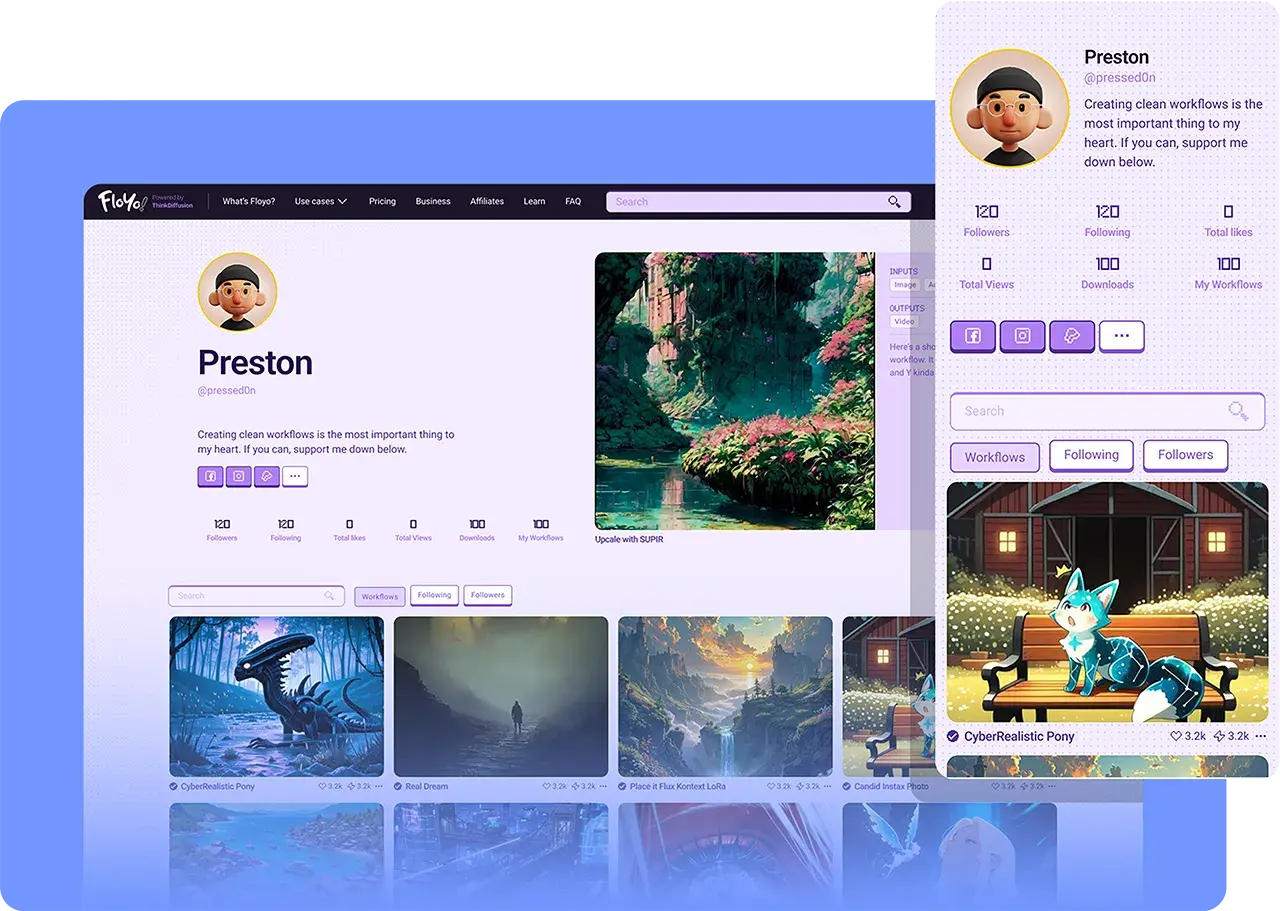
Your presence on Floyo starts with your Creator Page. This is your public portfolio—a centralized hub where users can discover who you are and what you've built. A well-maintained profile helps you build a following and gain trust within the community.
Key Features:
- Public Profile: Showcase your bio, avatar, and social links.
- Stats & Analytics: Track likes, views, and engagement on your workflows.
- Portfolio: Automatically display all your published workflows in one place.
Building & Publishing
At the heart of Floyo is the ability to create powerful automation workflows. Authoring encompasses everything from the initial design in the canvas to the final verification and publishing steps. You can start from scratch, remix existing community workflows, or upload your own JSON files.
Key Concepts:
- Canvas & Nodes: Build visually using Floyo's app canvas.
- Verification: Ensure your workflow runs successfully before publishing it.
- Publishing: Release your creation to the community with proper documentation and tags.
Community & Curation
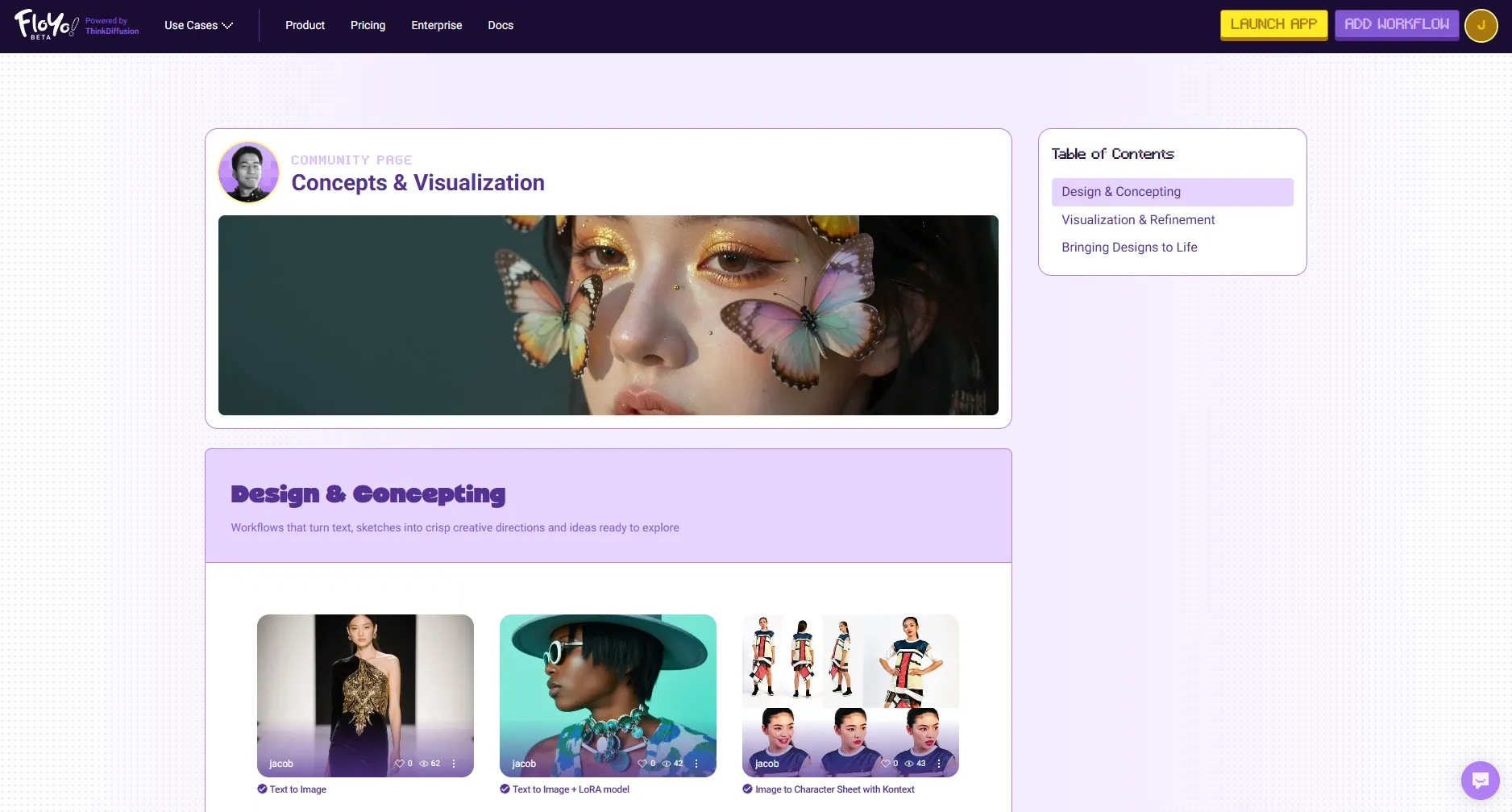
Beyond individual workflows, you can create Community Pages to curate collections of content. These are custom landing pages that allow you to group workflows by theme, use case, or project, providing meaningful context for your audience.
Key Capabilities:
- Visual Editor: Use a drag-and-drop block system to build rich pages.
- Curated Collections: Feature specific workflows alongside custom text and images.
- Sharing: Publish your curated page to guide users through specific topics or solutions.
Quick Links
- My Creator Page – Manage your profile and settings.
- Authoring Workflows – Guide to building and publishing.
- Community Pages – Guide to creating curated landing pages.