Floyo Partner Nodes
Overview
Run closed-source AI models in your workflows without managing third-party API keys or separate accounts.
Floyo Partner Nodes give you access to models like Wan 2.7, Seedance 2.0, Kling, and dozens more - all billed through a single Partner Nodes Wallet. Every node shows its cost upfront so there are no surprises before you hit run.
What are Floyo Partner Nodes?
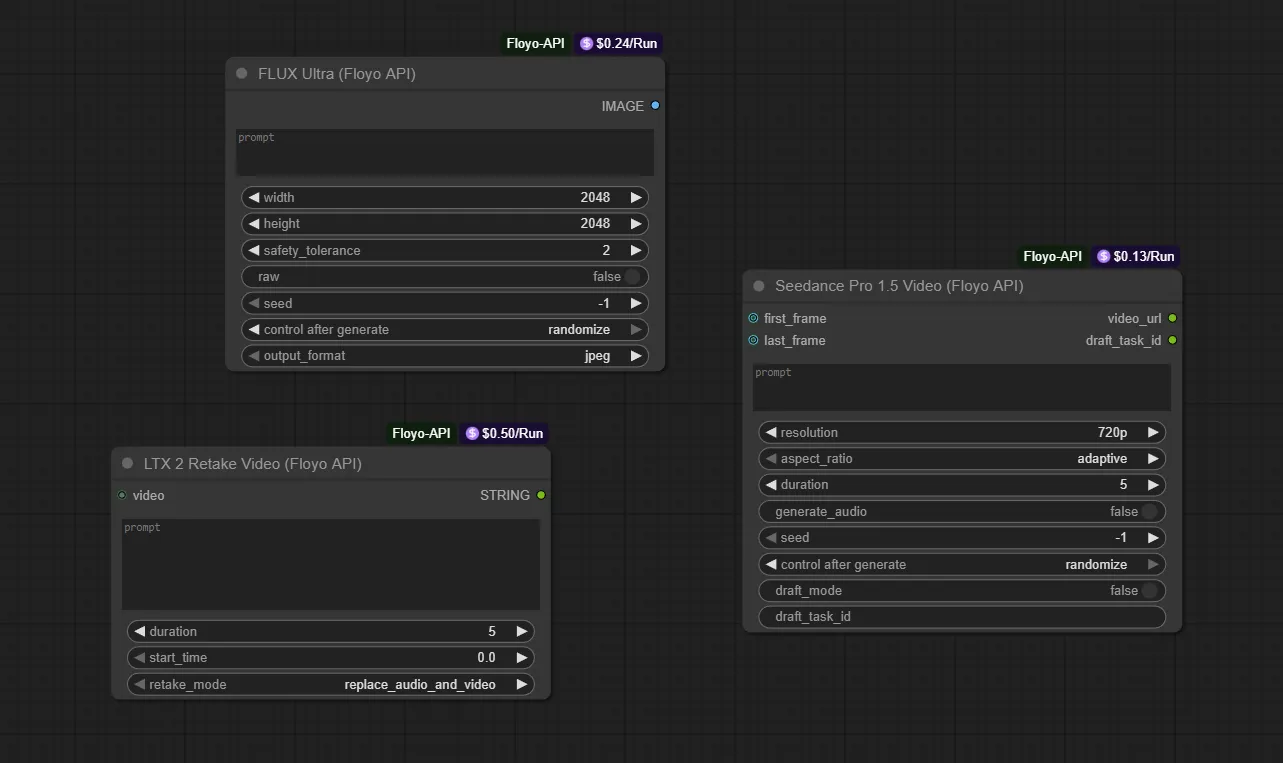
Floyo Partner Nodes let you use AI models that aren't open-source directly inside your ComfyUI workflows. Instead of signing up for separate services and managing multiple third-party API keys, you simply:
- Add the node to your canvas
- See the cost per run
- Generate
Floyo handles the connection to external providers (Black Forest Labs, Google, Alibaba, and others) behind the scenes.
Adding a Partner Node
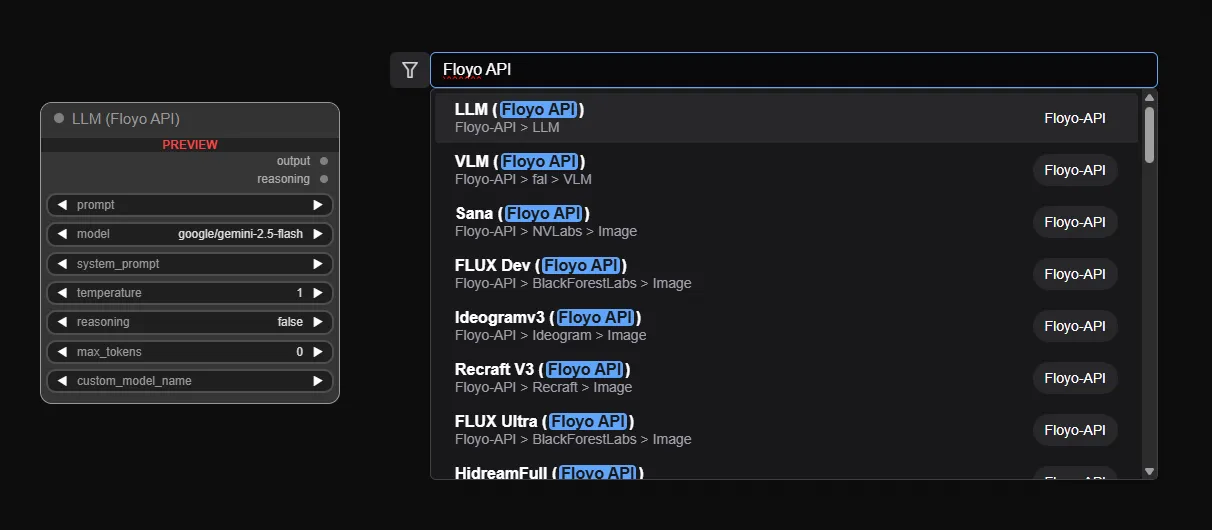
- Double-click anywhere on the canvas to open the node search
- Type "Floyo API" in the search box
- Select the node you want from the results
Partner Nodes are labeled with a Floyo-API badge and show their provider path (e.g., "Floyo-API > Alibaba > Video").
Floyo Partner Nodes Credits
What are Partner Nodes credits?
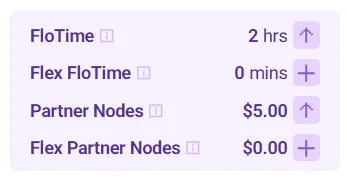
Partner Nodes and Flex Partner Nodes credits are a prepaid credits used to pay for Floyo Partner Nodes. When you run a workflow that includes a Partner Node, the cost is deducted from your Partner Nodes Wallet.
Each Partner Node displays its cost per run directly on the node (e.g., "$0.05/Run").
Pricing
- Prices are set by the model provider (Black Forest Labs, Alibaba, Google, etc.), not by Floyo
- Image generation is typically cheaper than video generation
- The price is always visible on the node before you run
Checking Your Balance
- Click your profile icon (top right)
- Your Floyo Partner Nodes credits balance is displayed alongside FloTime and Flex FloTime
Adding Funds
- Click your profile icon (top right)
- Find Flex Partner Nodes in the dropdown
- Click the + button
- Select an amount and complete payment
Tips & Best Practices
- Check costs before running: The price per run is always visible on the node
- Start with cheaper models: Image generation nodes are typically more affordable for testing
- Monitor your balance: Keep an eye on your Partner Nodes Wallet to avoid failed runs
Troubleshooting
How do I know if a workflow uses Floyo Partner Nodes credits?
Answer: Look for nodes with the Floyo-API badge. These nodes also display their cost (e.g., "$0.05/Run"). If you don't see any Partner Nodes, the workflow uses FloTime only.
Why is there a separate balance?
Answer: Partner Nodes call external services with their own pricing. Keeping it separate makes costs clear and predictable.
What happens if my Partner Nodes credits is empty?
Answer: The Partner Node will fail. Add funds to your Partner Nodes Credits to continue.
I ran a workflow with a Partner Node. What got charged?
Answer: Both. FloTime was used for the GPU time to run the workflow. Your Partner Nodes balance was charged when the Partner Node executed.
What's the difference between FloTime and Partner Nodes credits?
Answer: FloTime covers GPU compute time for running workflows. Partner Nodes credits covers external AI model calls through Floyo Partner Nodes.