📹 ComfyUI 101
Learn to build AI workflows from a blank canvas. 10 lessons, zero assumptions.
What this course covers
This course walks you through ComfyUI from the ground up. You'll learn how the interface works, what nodes and connections actually do, and how to build your own workflows from scratch.
By the end, you'll know how to generate images from text, transform existing images, upscale to 4K, and control composition with ControlNet. You'll also understand the models behind all of it: diffusion models, LoRA, CLIP, and VAE.
No prior experience assumed. If you've never opened a node-based tool, that's fine. If you have some experience and want to fill gaps, you'll get that too.
Every workflow in this course runs directly in Floyo. No local install needed. Open your browser and follow along.
Start the course
Ep 1: What is ComfyUI?Ep1: What is ComfyUI?
Nodes, workflows, and the blank canvas
Ep 2: Run your first ComfyUI workflowEp 3: Run your first ComfyUI workflow
Load a template, set a prompt, generate
Ep 3: Nodes 101Ep 3
The color-coded connector system
Ep 4: Text-to-Image workflowsYour first Text-to-Image workflow
Build a complete workflow node by node
Ep 5: KSamplerEp 5:
Seed, steps, CFG, sampler, denoise
Ep 6: SubgraphsEp 6
Group nodes into clean, reusable blocks
Ep 7: ModelsEp 7: Models
Diffusion, LoRA, CLIP, VAE, ControlNet
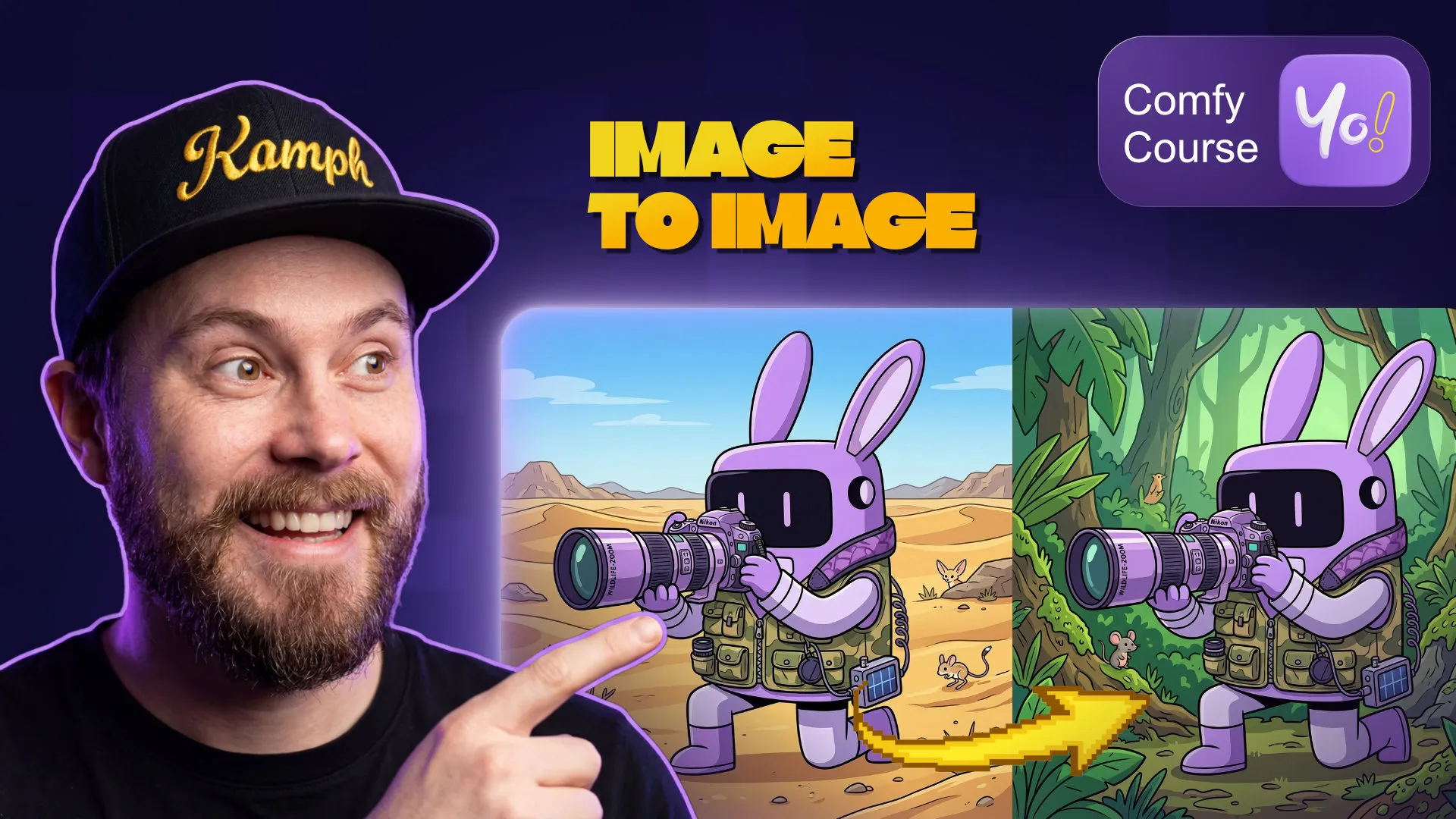
Ep 8: Image-to-Image workflowsEp 8: Image-to-Image workflows
Transform photos and sketches with AI
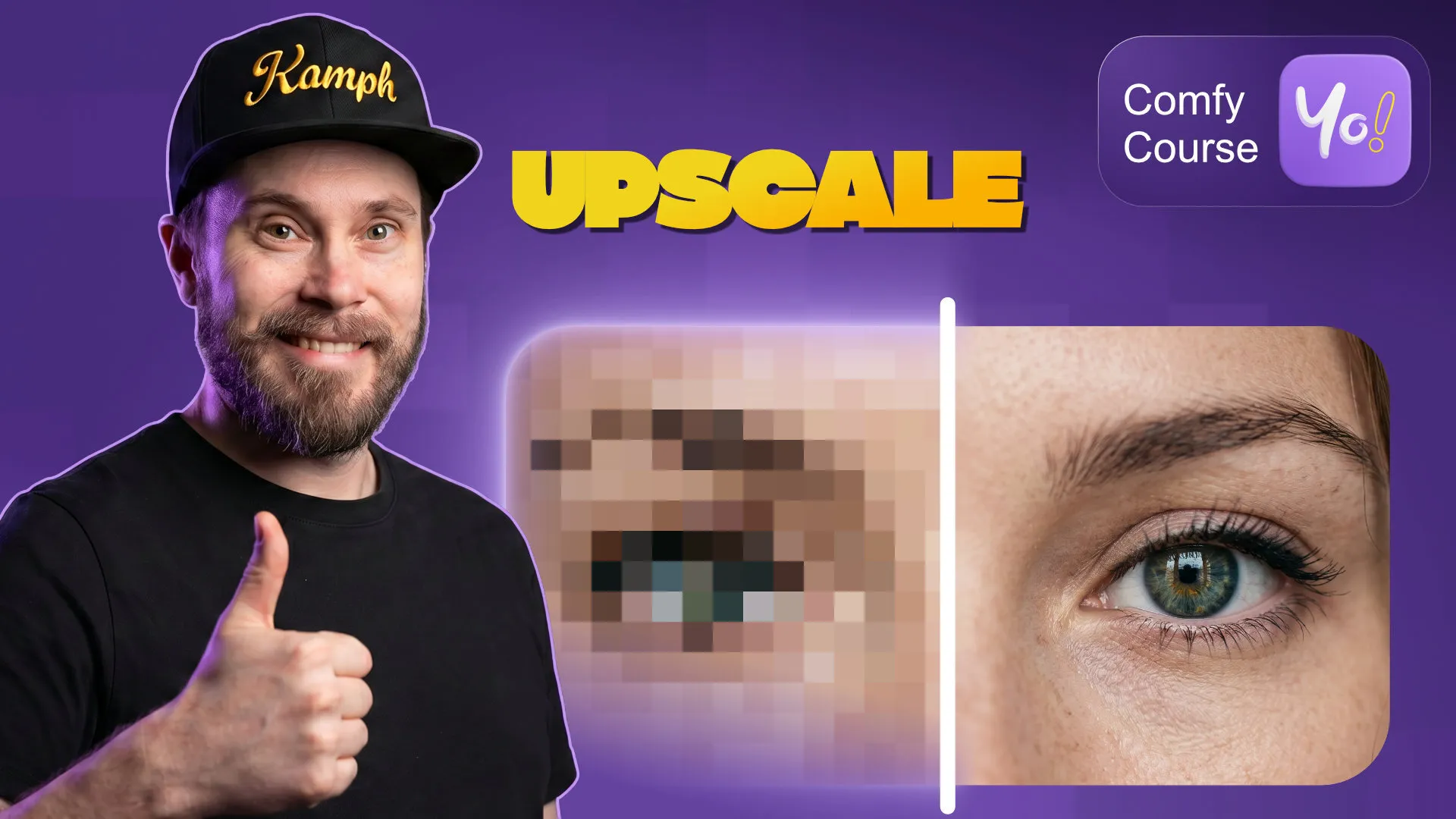
Ep 9: UpscalingEp 9:
Two methods to get sharp results at 4K
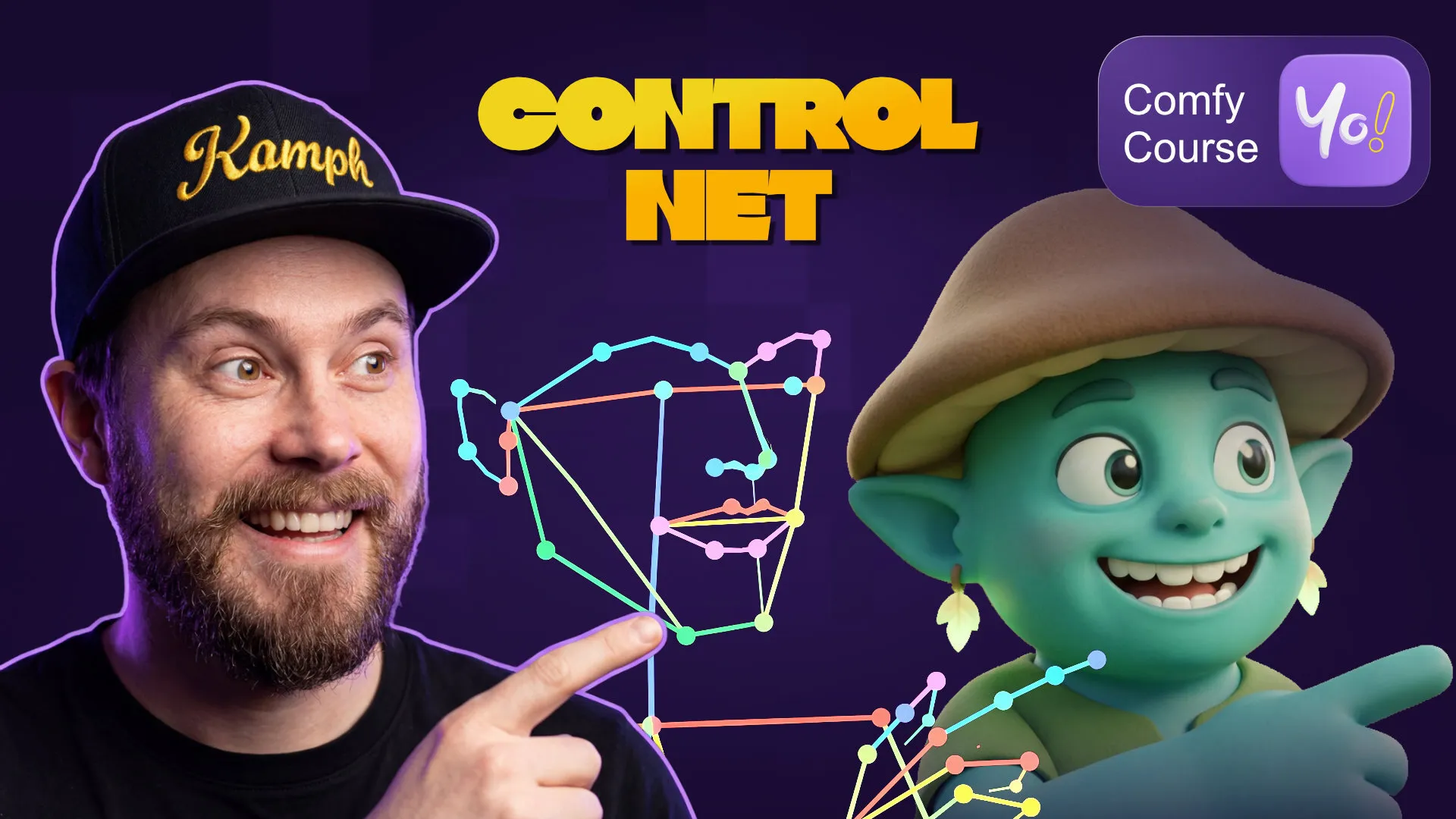
Ep 10: ControlNet basicsEp 10
Canny, depth, OpenPose, and line ar
Who this course is for
Designers, photographers, content creators, developers, or anyone curious about AI image generation. The only prerequisite is a browser.
This is not a prompt engineering course. You won't learn how to write better prompts. You'll learn how ComfyUI itself works so you can build, modify, and understand any workflow you come across.
The course is taught by Sebastian Kamph and hosted on Floyo.
Frequently Asked